Scenes — coming soon.
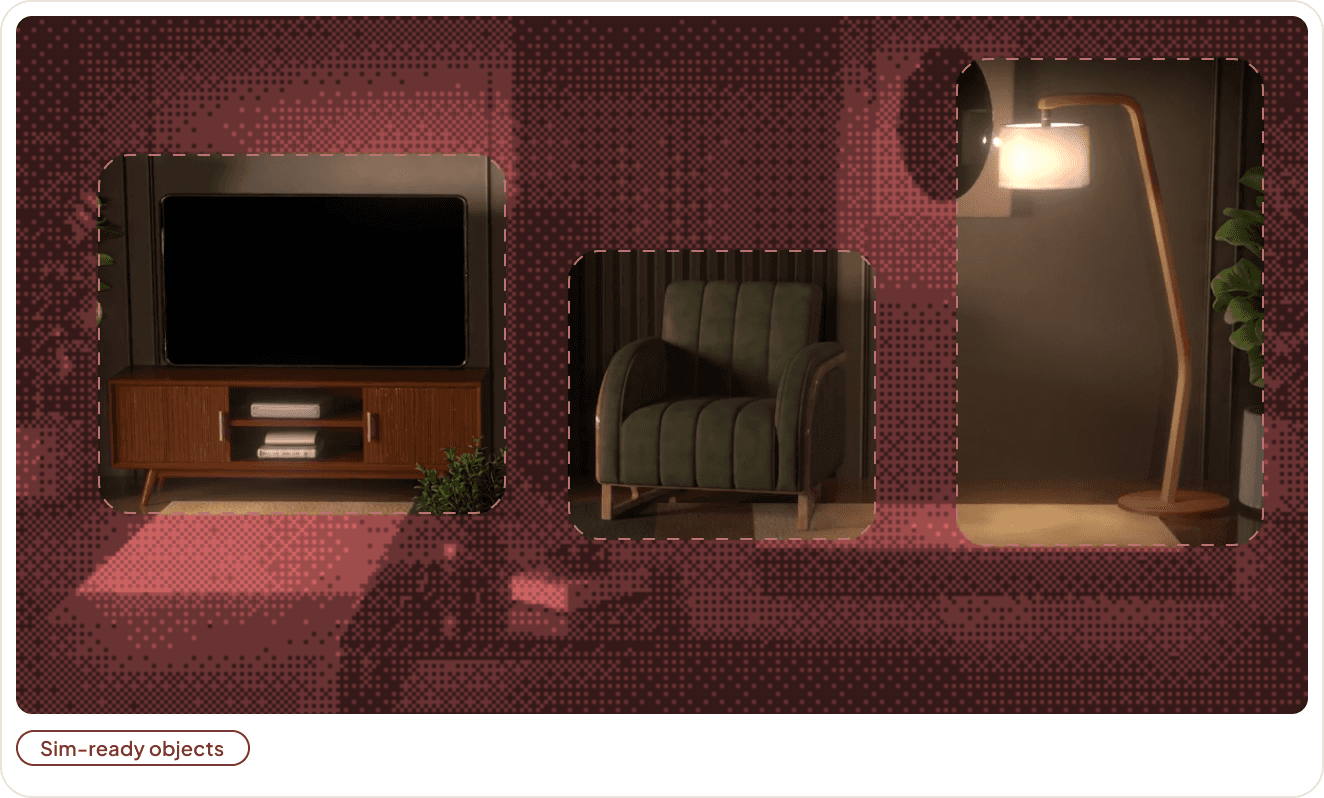
Start from a phone walkthrough of the environment your robot works in. The same pipeline returns a splat-accurate reconstruction of the exact space, an accurate collider mesh as its physics proxy, and sim-ready objects placed inside for the robot to pick up, push, open, and knock over — all composed into the layout you captured.
The result is a photorealistic, physically interactive digital twin of the environment your robot will actually operate in, built for training, validation, and generating the variations needed to cover edge cases you can’t practically stage.
Get early access and we'll bring you in the moment Scenes ships. Capture a site once, get it back sim-ready.

The drift that breaks sim-to-real
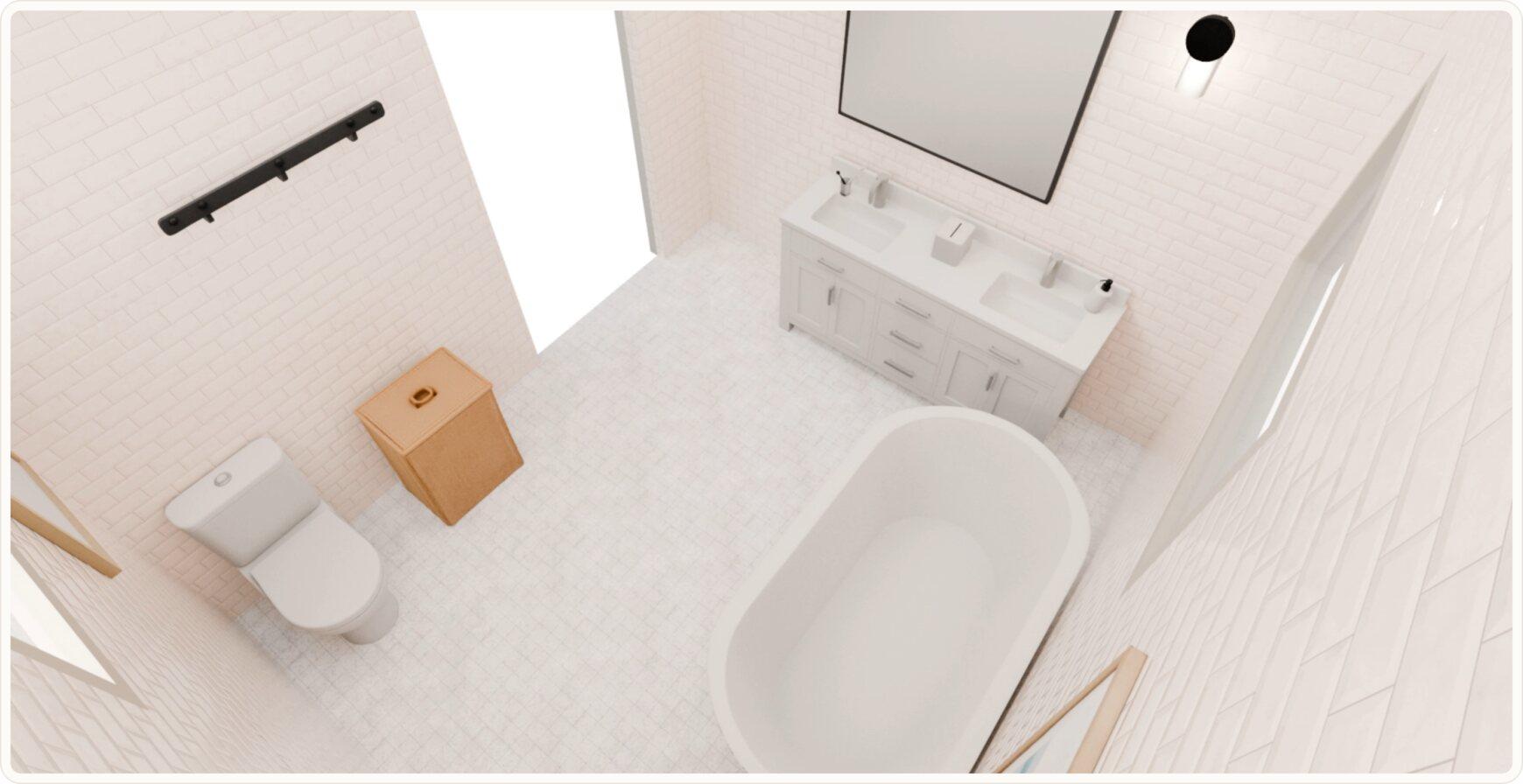

Visual fidelity ≠ physical fidelity
A policy is only as good as the world it observes. For sim2real transfer, a scene has to be faithful on two fronts at once: it has to look like the real place — geometry, materials, lighting — and it has to behave like it under physics. Most pipelines give you one or the other. A photoreal reconstruction you can look at but not touch. Or a scene assembled from nearest-match library props that behave nothing like the objects actually sitting in your workcell.
How it works
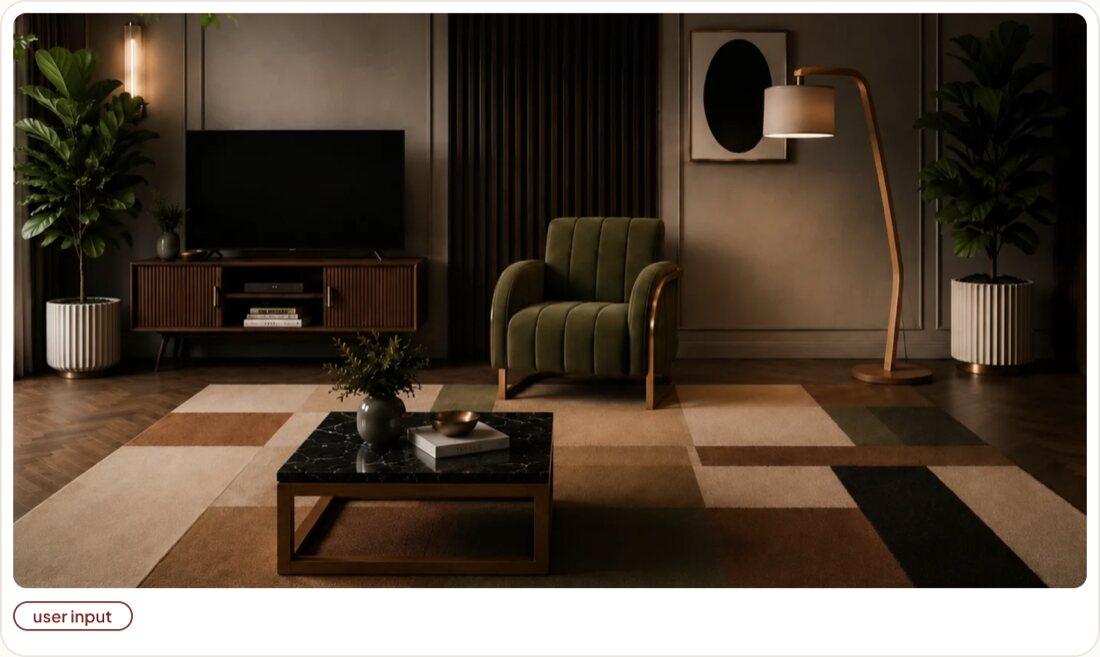
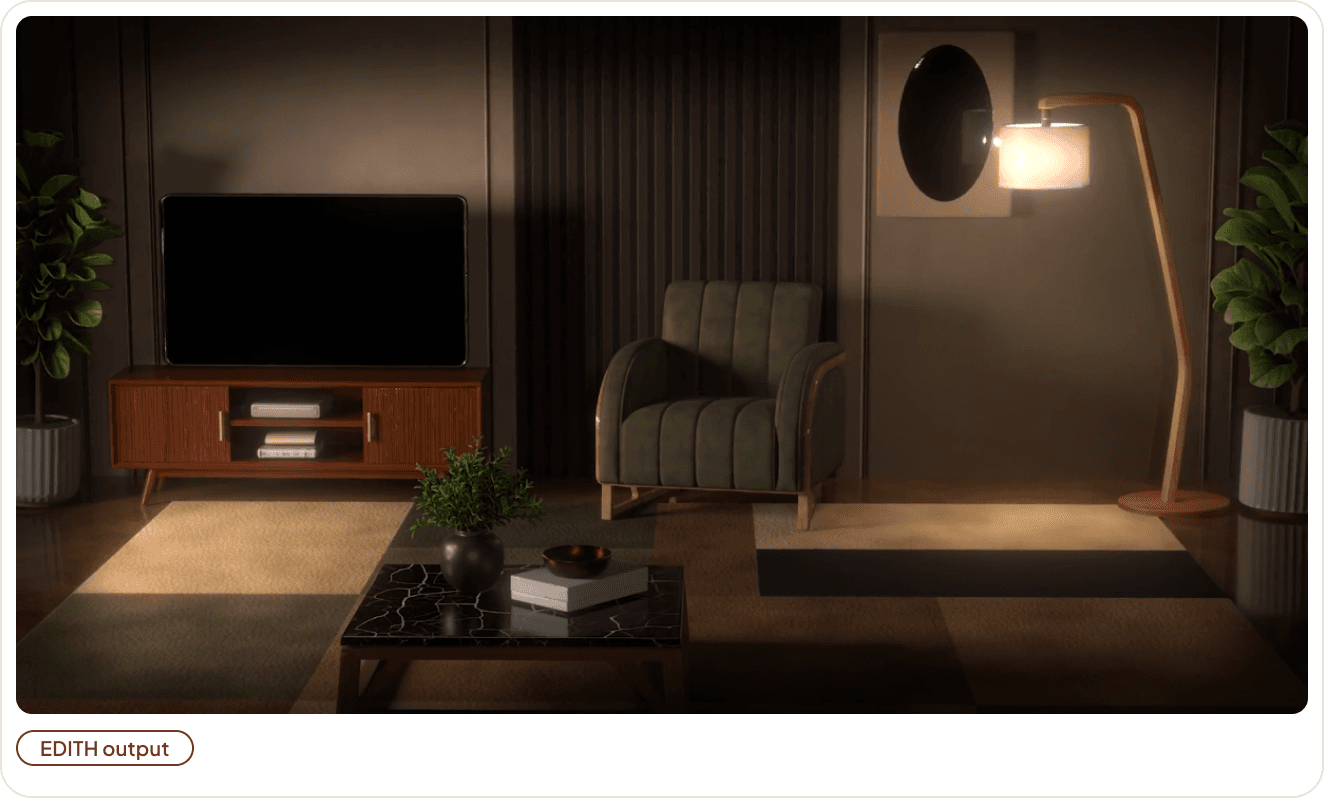
Prefer to start from nothing?
Describe a scene in text and we compose one around your prompt, generating as many distinct scenes from it as you need.